
Switching to Amber
You already have a system? Here’s why moving is easier than you think.
Most schools that contact us already use a system. They are rarely happy with it, but they are afraid of change. That is why we built AI-assisted setup and a knowledge base into Amber, to make the switch and onboarding easy.
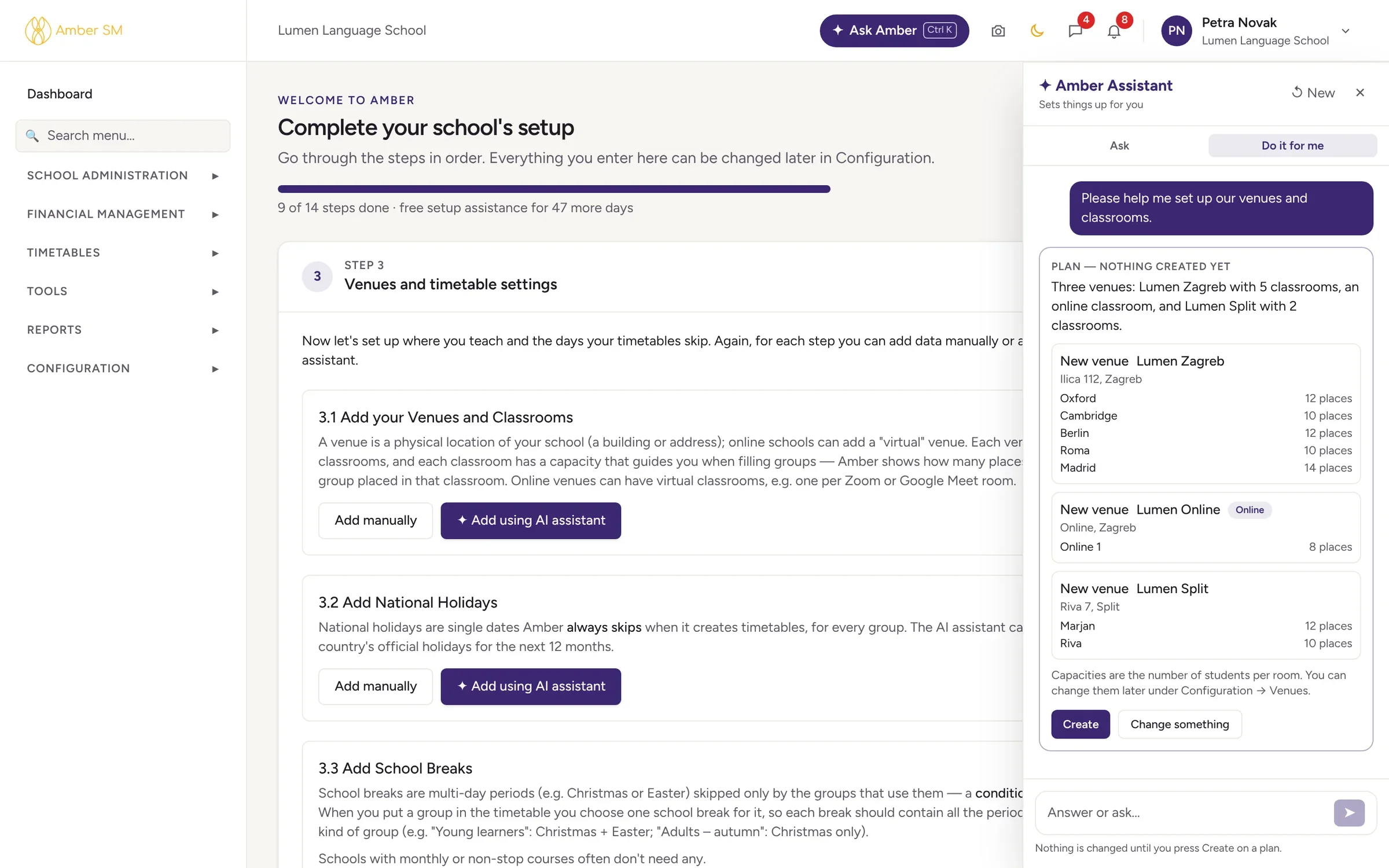
Your move in four steps
Show us your school’s setup
During the demo, you tell us a bit about how your current system runs, and we tell you how your experience will change when you move to Amber.
Set up with the assistant
The setup checklist takes you through every setting, and the AI fills in most of them after a short conversation. Not ready for a step? Skip it and come back later.
Bring your data
The AI imports your students, parents, teachers and companies from Excel or CSV. The rest of your data probably won’t fit Amber’s more complex structure as it is, but we can always take a look at it.
Feel the benefits straight away
Amber’s advanced features, together with a high level of customisation and integration, improve your workflows and bring tangible results from day one. The switch works for you, not against you.
Your pain points. And what we do about them.
| The problem | Other systems | Amber |
|---|---|---|
| Retraining everyone | A long and expensive onboarding process, usually taking months and costing a lot in trainers | Ask Amber answers administrators’ how-to questions inside the app, from Amber’s help articles, and opens the right screen |
| Configuring the new system | Thick manuals and a consultant | A guided checklist with an AI assistant that sets the system up according to your business model |
| Payments and invoices | Matching payments by hand, semi-automatic invoicing | Import bank statements for automatic matching, with fully automatic invoicing adjusted to your country’s legal requirements |
| Parents and teachers | Yet another app to install | Nothing to install. They use a browser or an icon on the home screen. |
| School documents: certificates, contracts and more | New templates that never quite look right | Upload your own PDF as the background and add data on top of it in our unique Form Builder |
Why it’s worth it
Most schools run on a patchwork: one system for the school, a spreadsheet for payments, a folder of Word contracts, WhatsApp groups for parents and the accountant’s program for invoices. Amber replaces all of it, and every person has a single record.
- Every enquiry gets followed up
- Online enrollment, payment and signed contracts while you sleep
- Payments matched from the bank file and invoiced in one run
- Parents check their phones instead of calling the office
- Reports that compare years and explain what they show
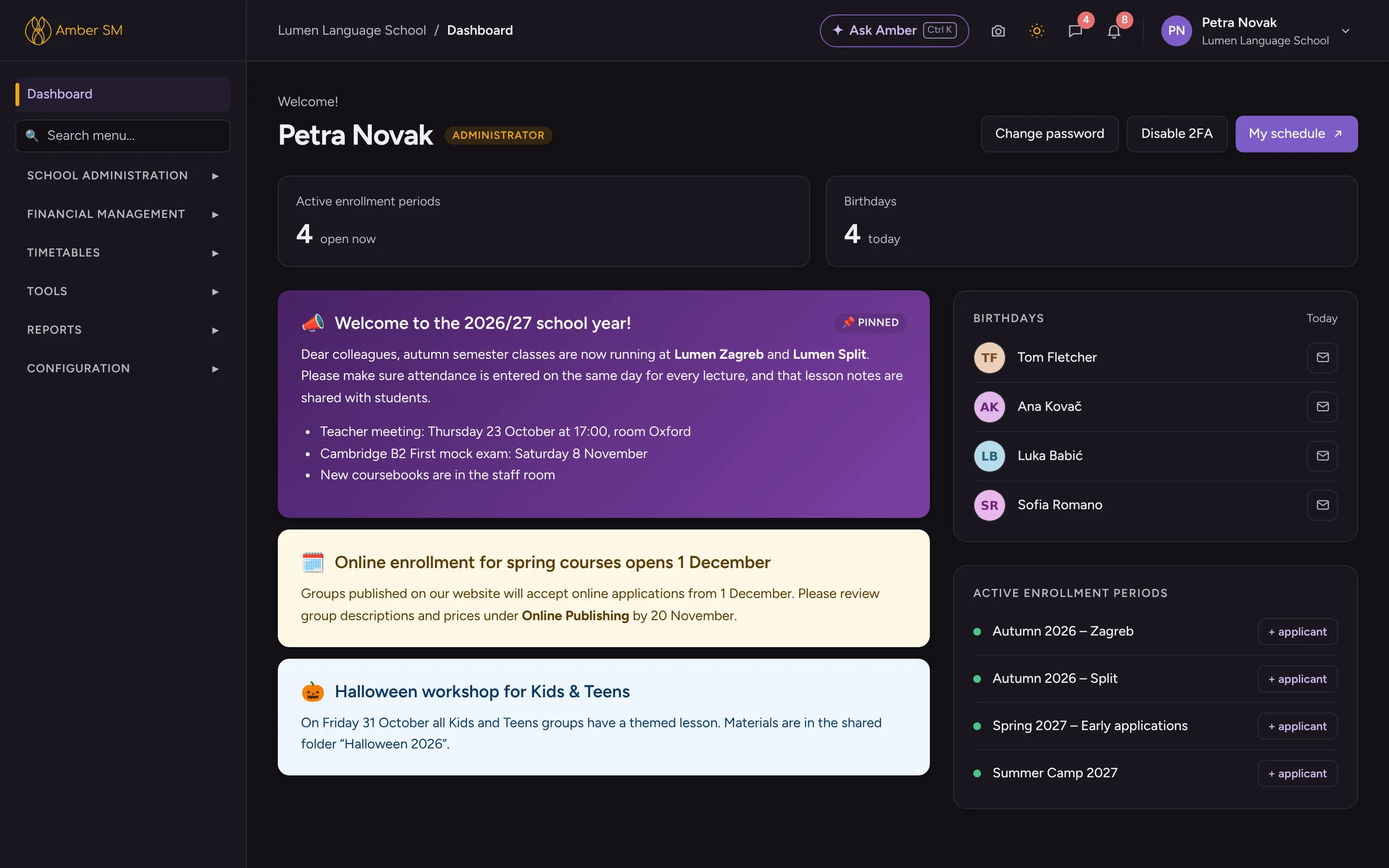
Not sure yet? Ask the assistant on this page.
It knows what Amber’s in-app help knows. Ask what Amber does, how a feature works, or what moving would mean for a school like yours.
Or book a demo →Questions schools ask
How long does it take to switch to Amber?
That depends on your school and on how much you bring with you. A small school can be working in Amber within days, while a larger one usually moves part by part. In the demo we’ll give you an honest plan.
Can we bring our historical data?
People can always be imported. For older courses, payments and documents, tell us what your current system can export and we’ll look at it together.
Do we have to switch everything at once?
Not at all. Many schools start with one part, such as enrollments or the bank statement import, and add the rest as they go.
Who helps us with the move?
The team that builds Amber, here in Split. Inside the app, Ask Amber answers administrators’ how-to questions, and the support button sends us a screenshot (you can black out any personal data on it first).
Let’s look at your move together
Tell us what you use today, and we’ll show you what changes, what stays and how long it takes.